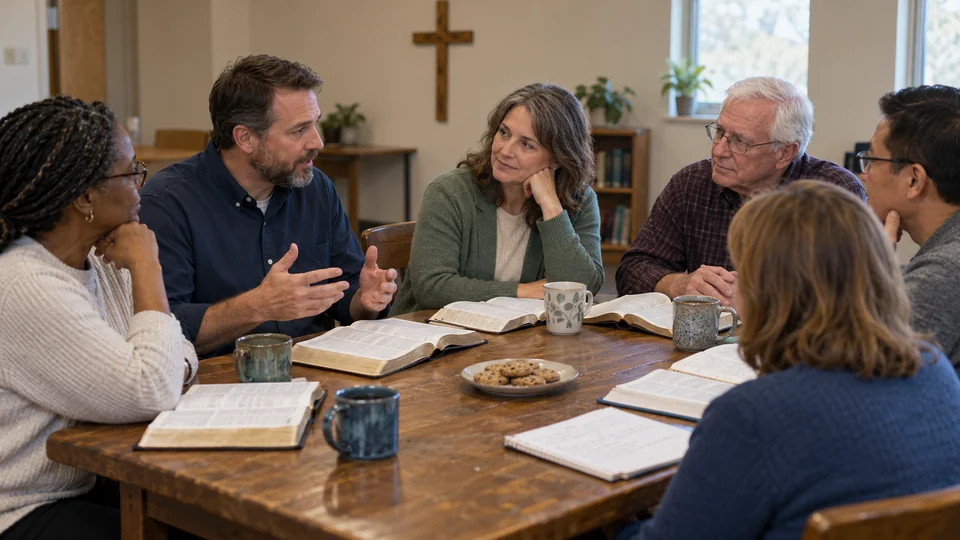



Free to participate
Welcome people into a group without charging a group fee.
Software to stay connected with your small group. Know when and where you're meeting next, keep topics and notes together, and make room for prayer requests and the conversations between gatherings.
Get started in about 30 seconds.
30-day trial. No credit card to get started.
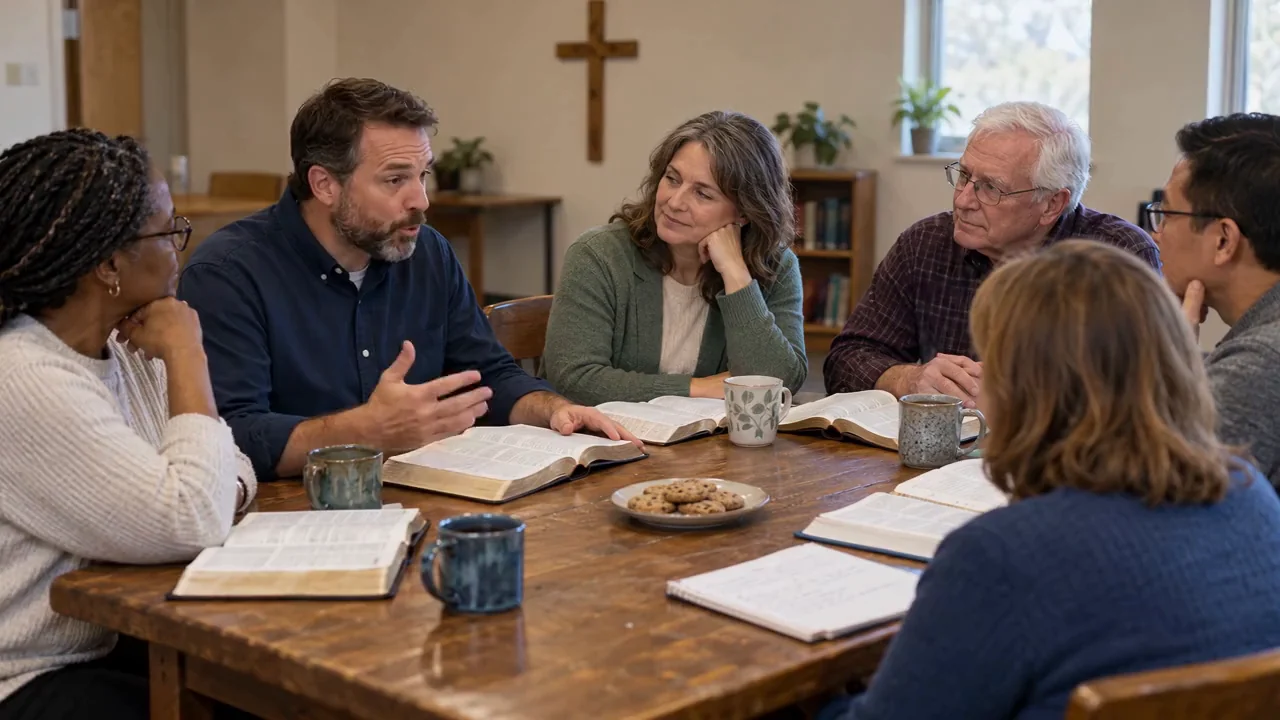

Tonight · 6:30 pm
Church and faith-based small groups. Nonprofit teams. Business networking groups and boards of directors. Give your people one place to stay connected between meetings.
A few of the next meetings bringing people together on GroupView360.
Upcoming gatheringsNext on the calendar
Your next connection starts with showing up.
Times are local to each meeting.
Long email threads. Busy group chats. It's easy to miss the details that matter. Give each member a say in how they hear from their group—and keep the next gathering in view.
Illustrative member preferences and RSVP
One small step becomes a familiar face.
Make the space between gatherings easier.
Illustrative group journey
Help someone take that first step. Put the people, place and meeting details together so it's easy to find a group and ask to join.
Make a good first connectionKnow when and where you're meeting next, with the topic close at hand. Members can RSVP, choose how to receive updates and stay in the loop with push notifications.
See how the app helpsCarry the conversation forward with meeting notes and prayer requests. Keep attendance close, too, so leaders can notice when someone might need a little extra care.
Start your first groupTonight · 6:30 pm
Illustrative app view
Your next gathering shouldn't take a search through old messages. Keep the when, where and what of your meetings close, along with the people and notes that make your group yours.
Coming October 2026
Not every group works the same way. Make room for the way yours comes together.
Explore your optionsWelcome people into a group without charging a group fee.
Accept donations that help support your group or mission.
Collect group fees and membership dues for programs, peer groups and communities.
Create your account in about 30 seconds. Start with one group and make room for the people who come next.
30-day trial. No credit card to get started.